Capabilities
What this platform can do
From the AI agent engine to visual workflows — the capabilities that make Android automation run reliably on real devices.
BYOD — your device as the execution node
Mobile automation runs directly on your physical Android phone, not on emulators or rented hardware.
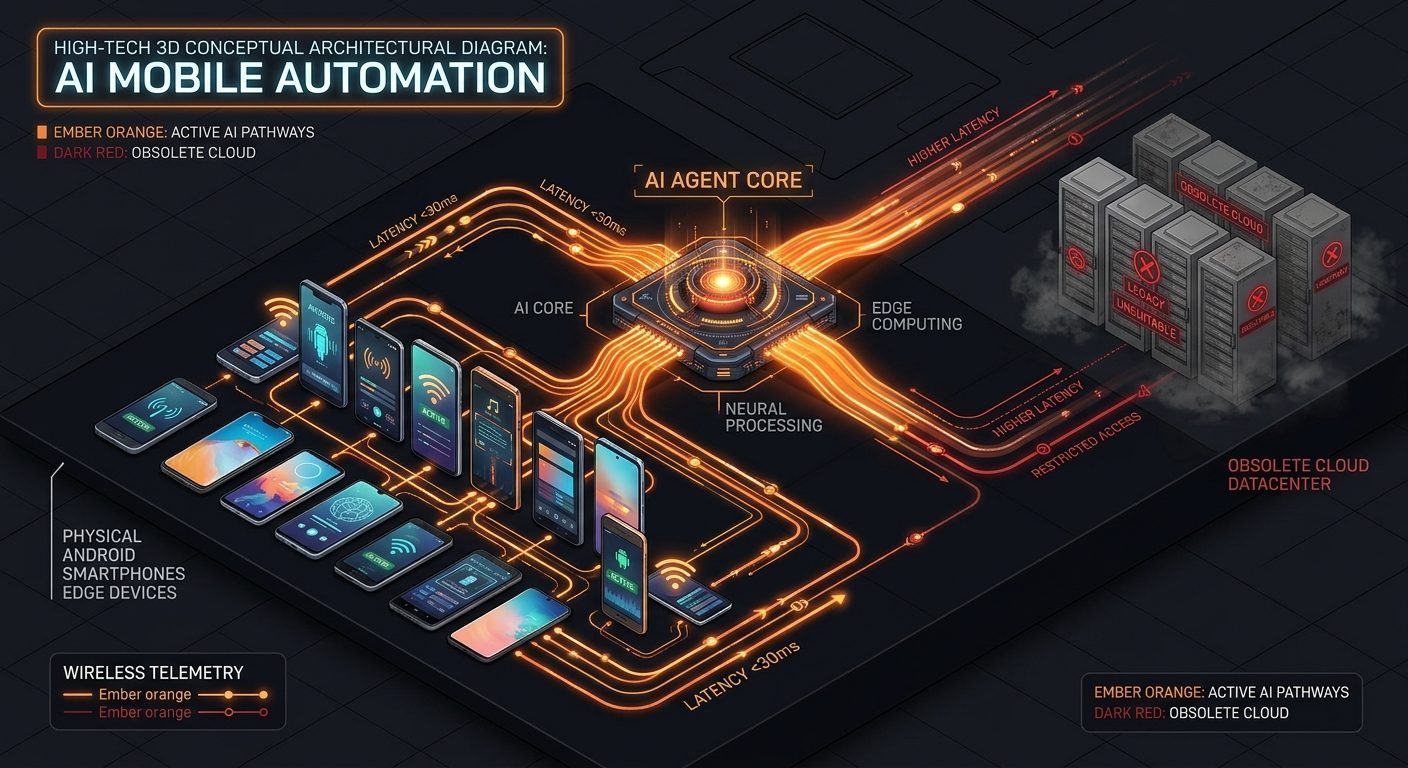
- Outbound connection from the device: no public IP or open port needed.
- Server-validated pairing code, with per-device online status.
- Mobile workflows run while the device is powered on and connected.
- Account login sessions stay on your device — nothing sent to the server.
AI Agent & MCP Hub
Control an Android device from any AI Agent.
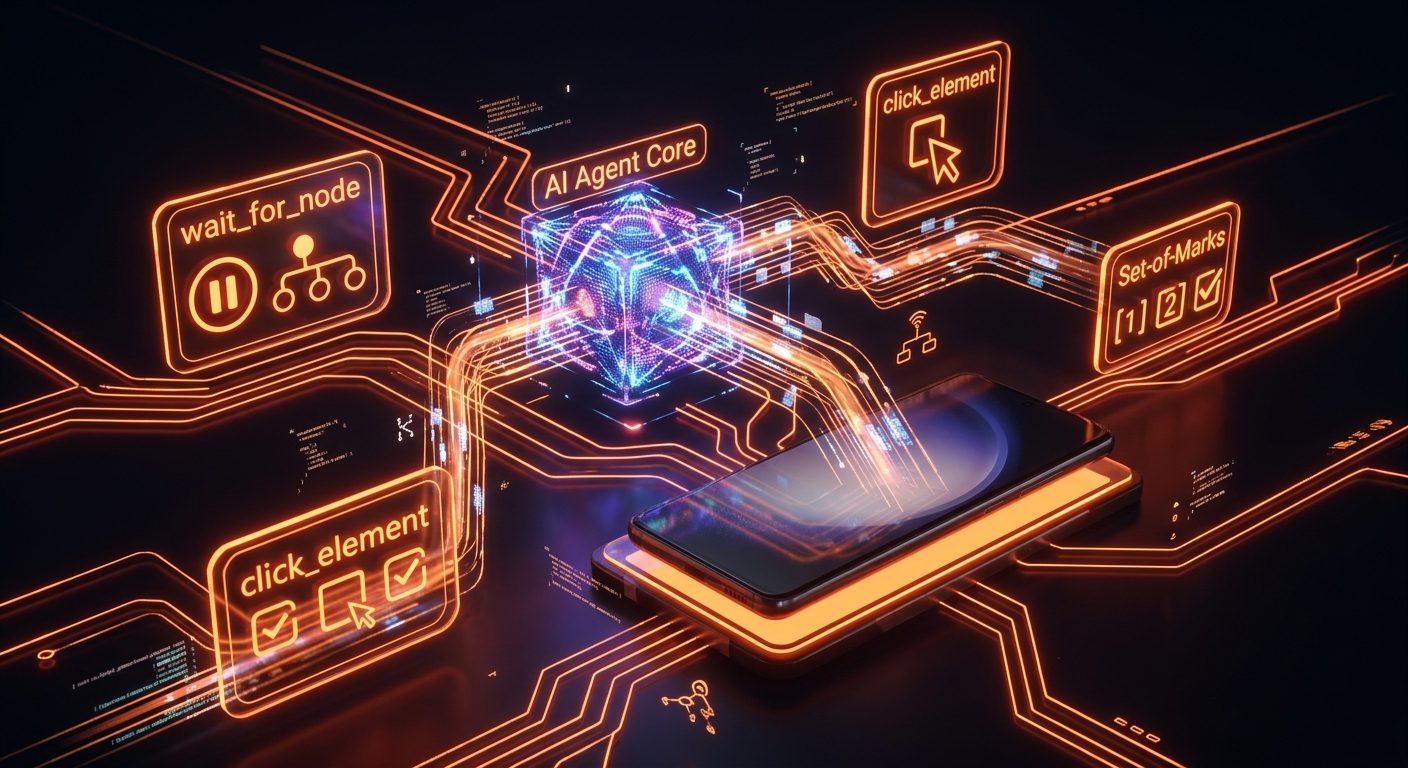
- 24 industry-standard MCP tools active at /mcp/sse
- Compatible with Claude, Cursor, Windsurf, and other AI agents
- Semantic inspection: click_element, wait_for_node, replace_text
- Set-of-Marks: token-efficient visual observation
Visual DAG Workflow Engine
Design automation workflows visually, without writing code.
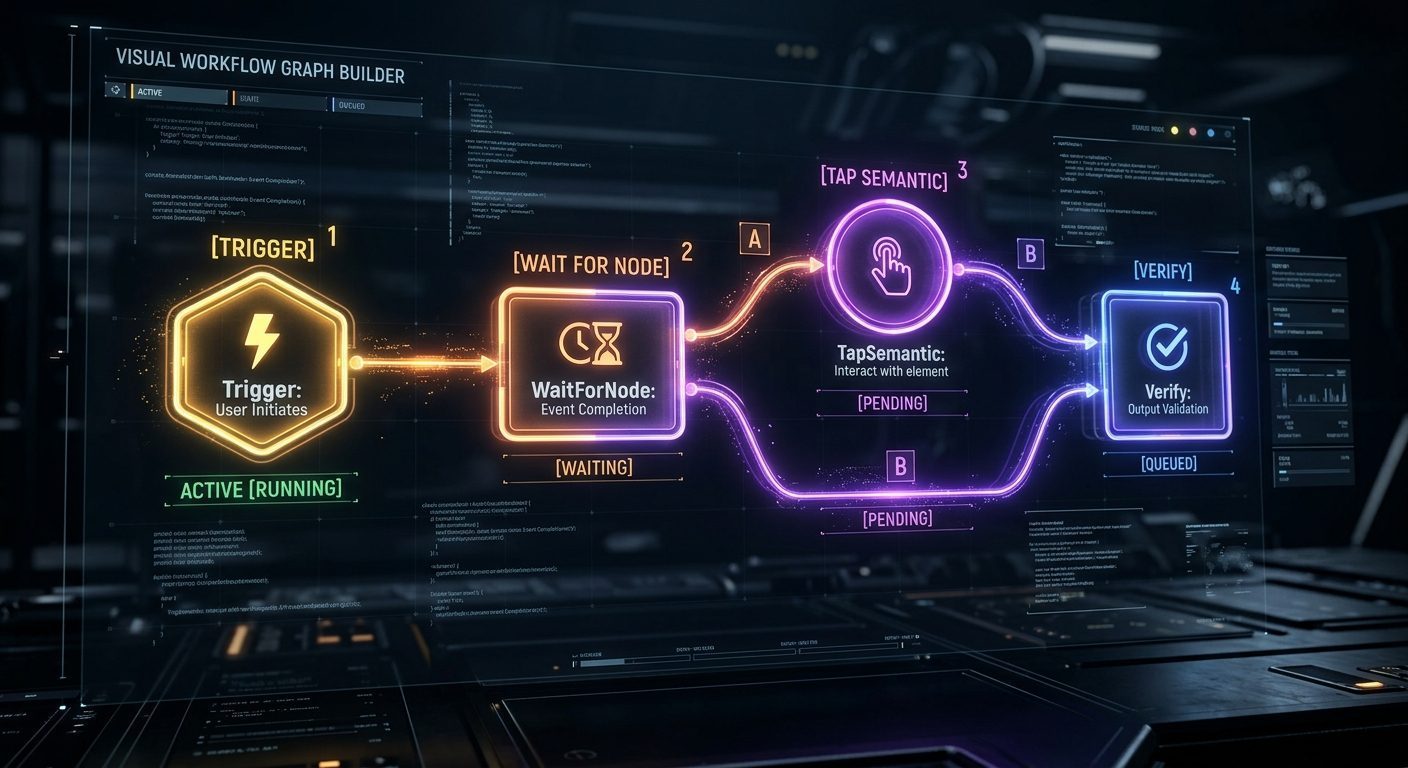
- Directed acyclic graphs (DAG) with automatic validation
- Ready-to-use workflow templates that can be shared
- Graph execution with dynamic variables
- New platform = new template, not a new engine
Self-Healing Sentinel
Automatic recovery when a workflow hits trouble.
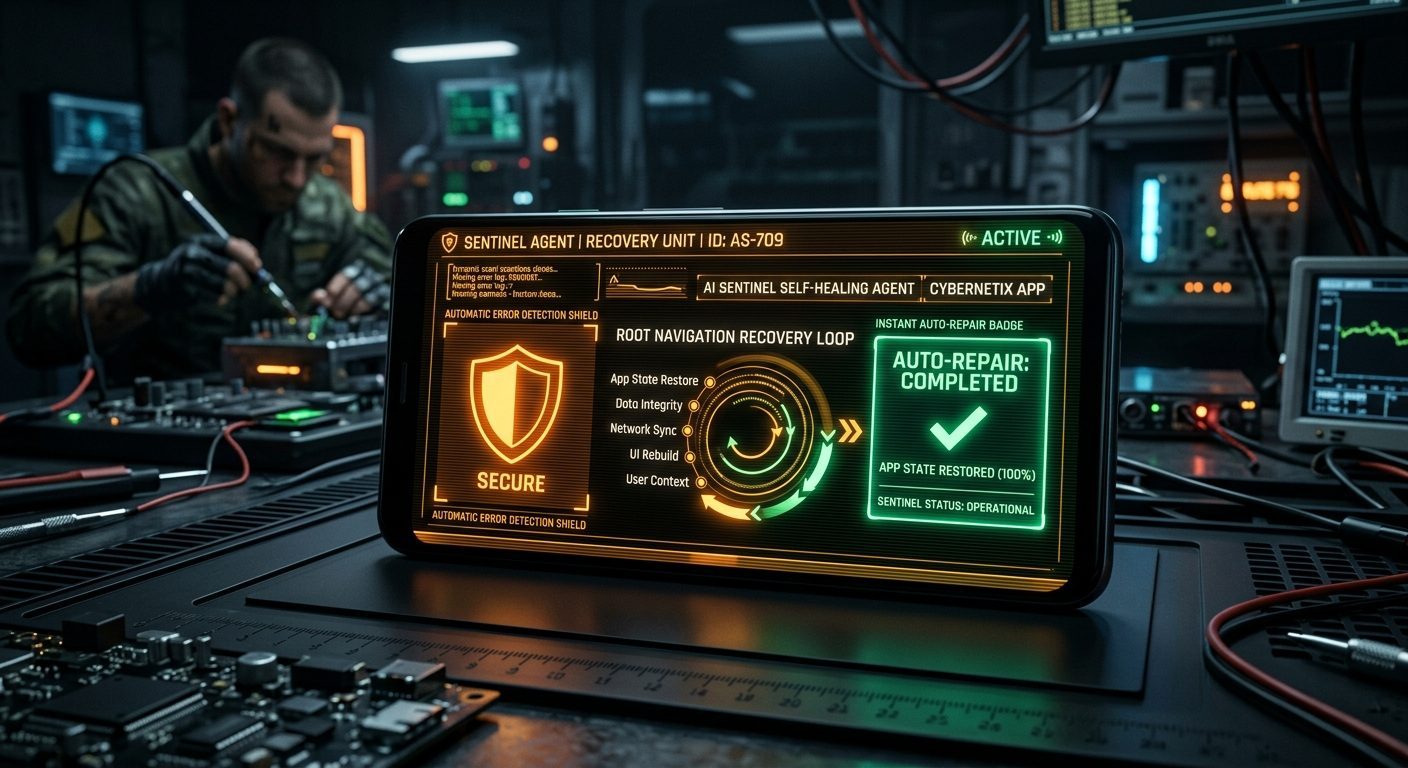
- Visual failure detection via Set-of-Marks
- Automatic recovery without manual intervention
- Root-state navigation before retry
- Structured failure logs for analysis
Composer & content syndication
One post to many targets — one use case built on top of the agent engine.
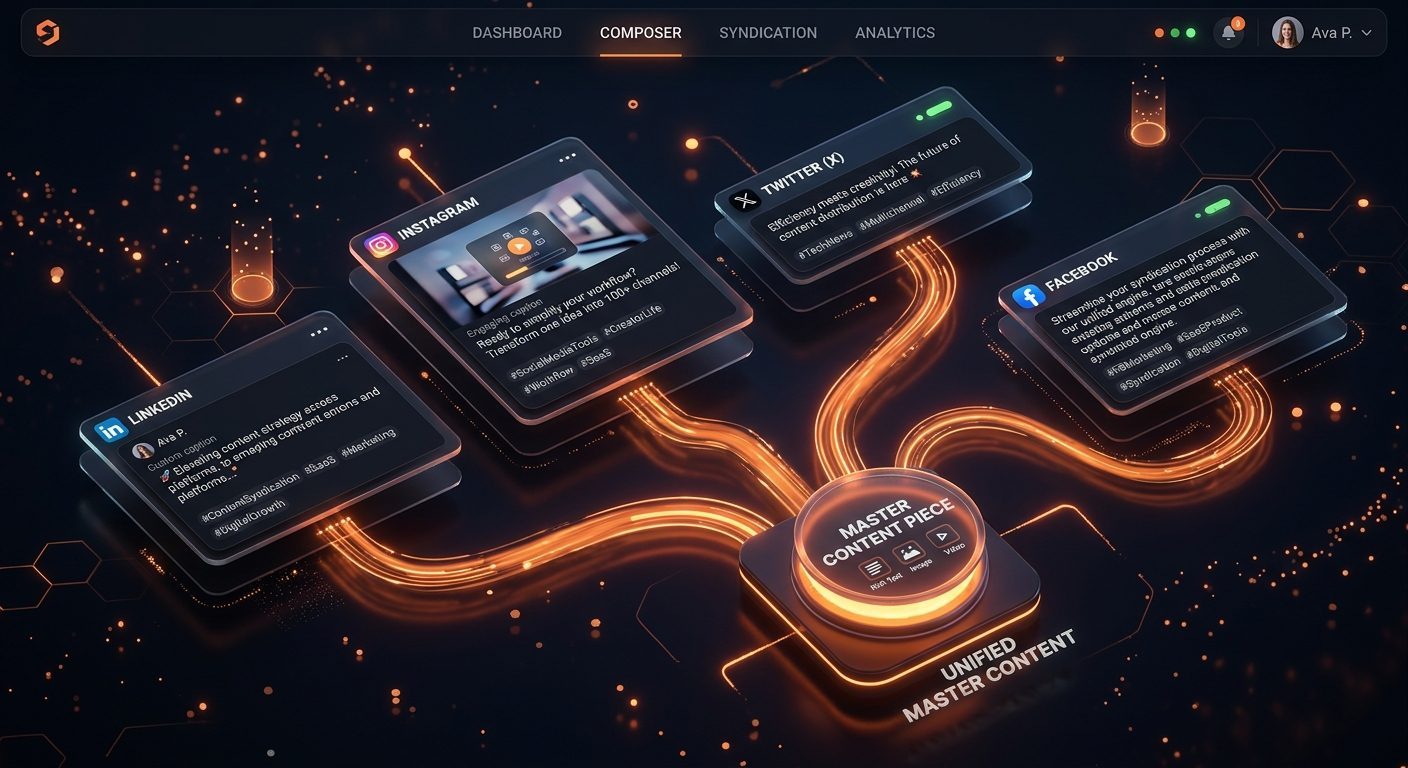
- Composer: one post to several platforms
- Different captions and hashtags per platform
- Three execution routes: official API, browser, and mobile
- Per-workspace timezone scheduling
Teams & workspaces
Separate workspaces with strict access control.
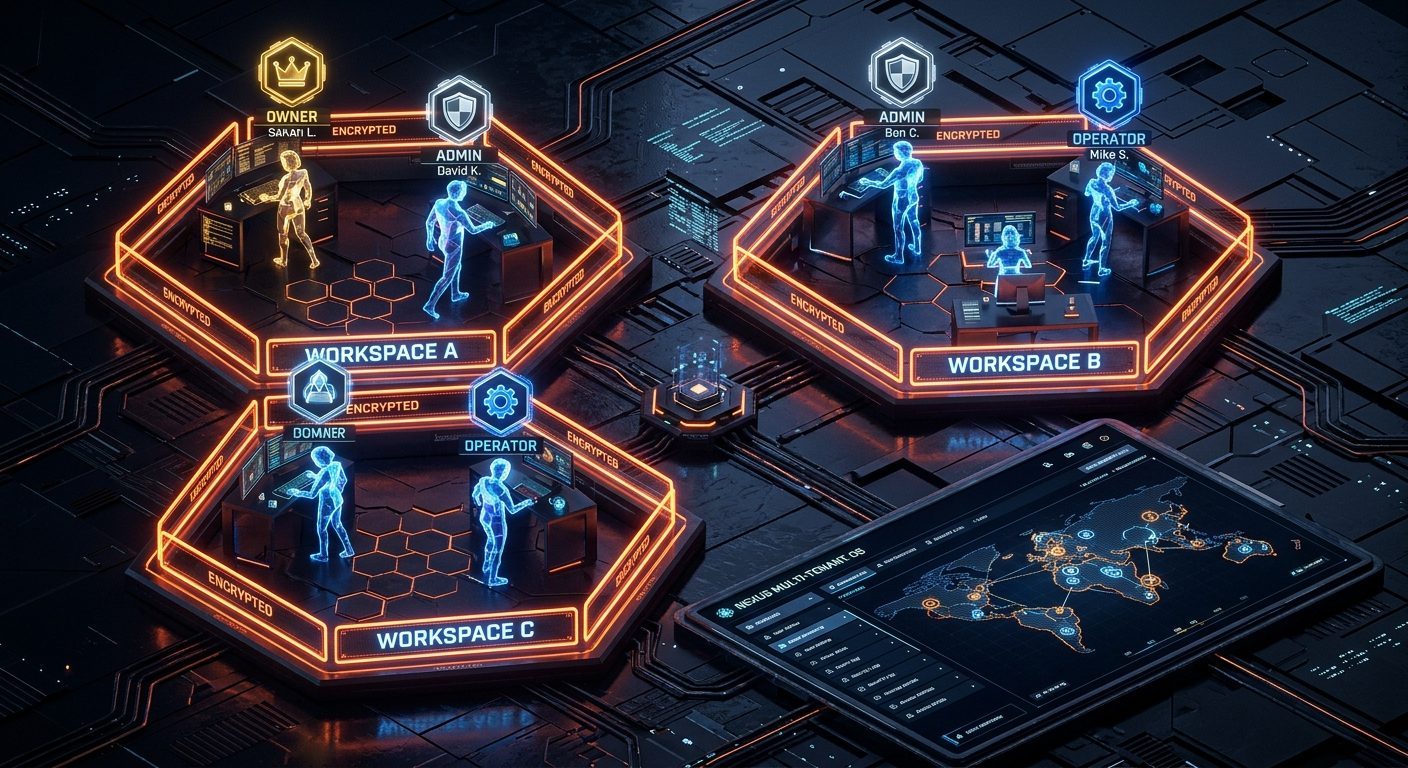
- One user can belong to several workspaces
- Roles: owner, admin, operator, viewer
- Invite members and manage roles
- Quotas and data isolation per workspace
Security & audit
Data isolation and an audit trail from day one.
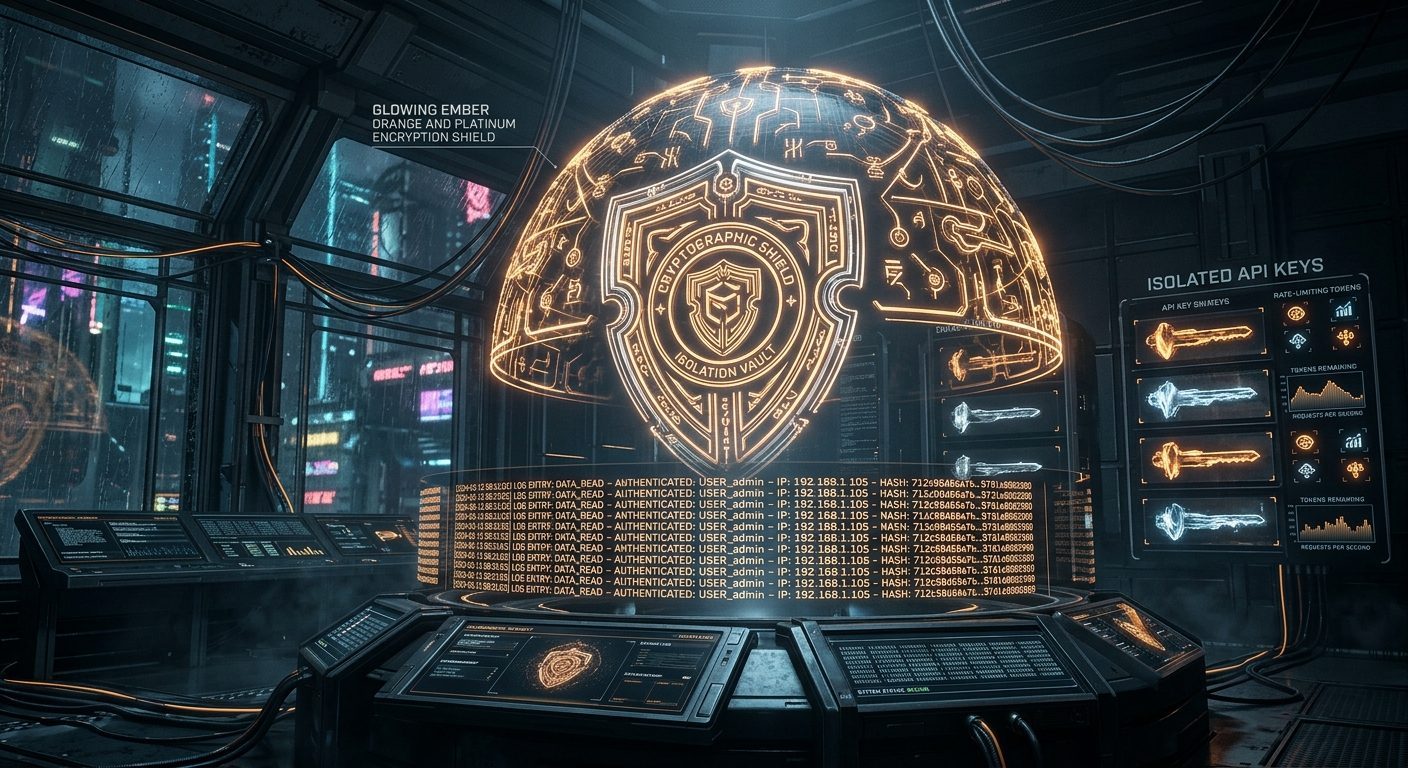
- Secrets encrypted at rest
- Isolation between workspaces
- Audit log for sensitive actions
- Per-workspace API keys for integrations