Your Android phone, working autonomously. Powered by AI Agents.
Connect your physical Android phone as a sovereign execution node. Control any app via MCP Hub, design visual workflows, and scale operations across platforms — with real-device trust.
AI Agent workflow
-
Connect your device
Install the agent APK, enter the pairing code, and your phone becomes an execution node in 60 seconds.
-
Design a workflow
Use the Visual FlowGraph Builder or control the device directly from your AI Agent via 24 MCP Hub tools.
-
Execute & monitor
The agent runs semantic actions on your device with automatic self-healing when something goes wrong.
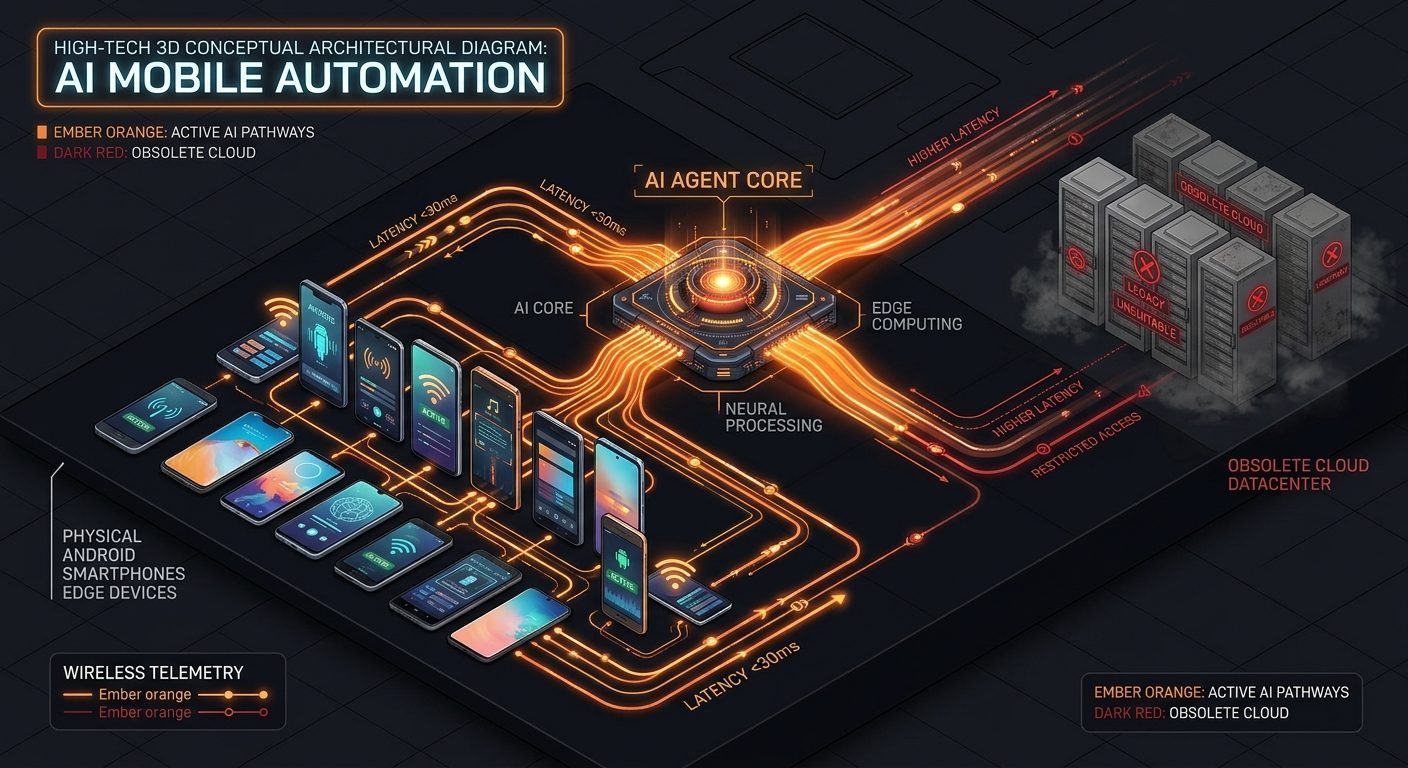
A concept diagram of agent architecture, not a dashboard screenshot.
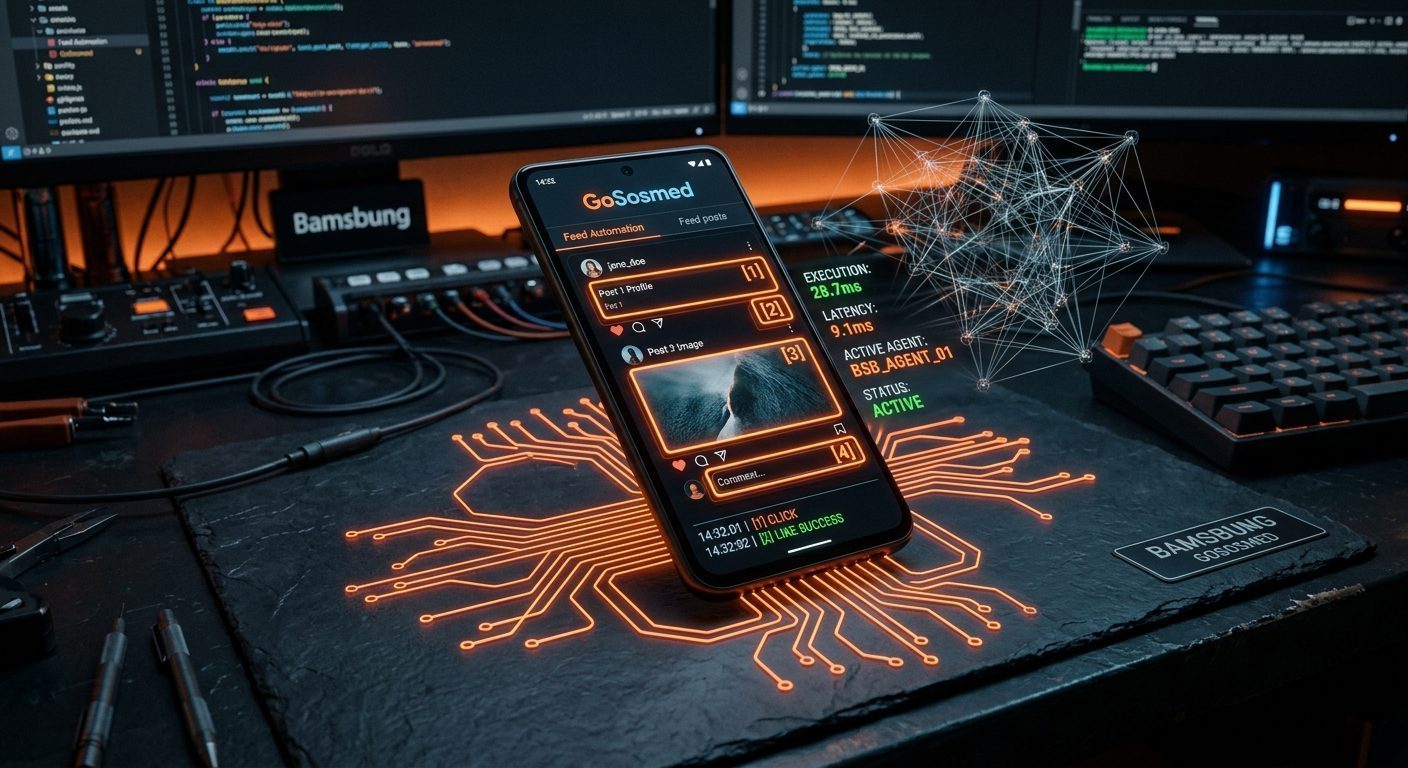
Real device, not a cloud bot
Execution runs inside the genuine Android OS with residential mobile IP. Target platforms treat interactions as real human activity.
Credentials never leave your phone
You sign in yourself in each app on your phone. Login sessions stay on the device — nothing is sent to any server.
Device cost: zero
The phone already in your hand becomes the executor. No cloud device rental, no data centre hardware.
The engine behind your automation
Six core capabilities that set GoSosmed apart from conventional automation tools.
AI Agent Engine
An autonomous agent executes tasks on your phone via Accessibility Service — no root, no manual pixel coordinates.
MCP Hub — 24 Tools
Industry-standard Model Context Protocol: connect Claude, Cursor, or any AI Agent directly to your device.
Visual DAG Workflow
Design automation workflows visually with directed graphs. A new platform = a new template, not a new engine.
In-memory UI inspection
The inspection engine reads the screen hierarchy directly from device RAM — no slow XML dumps, no coordinate guessing.
Set-of-Marks observation
Annotated screenshots with numbered markers and ready-to-use touch coordinates — dramatically reducing AI token consumption.
Self-Healing Sentinel
An automatic recovery agent detects screen failures and restores the workflow without manual intervention.
Three steps to try it
No technical skills required. No root on the device.
Install & pair the agent
Download the APK from the public repo, install it on an Android phone, then enter the pairing code from the dashboard.
Verify the connection
Make sure the device shows online and the target account is verified before running real workflows.
Run one test task
Execute one simple workflow, then check the result in the job monitor.
What already works, and what does not yet
The BYOD model trades per-device rental cost for dependence on your own device. We state the consequences up front.
- Mobile route (BYOD v1.2.0) Active & verified on 5 physical platforms
- MCP Hub route (24 Tools) Active at /mcp/sse for AI Agents
- Visual DAG Workflow Engine Active — design & execute workflow graphs
- Official API / OAuth route Not enabled in current workflow (organic BYOD focus)
- Workflows that use a phone app only run while the device is powered on and connected.
- Account login sessions stay on your phone; you sign in yourself in each app.
- The agent uses Android Accessibility Service — a powerful permission, and its code is open for you to inspect.
- Platform availability differs and is verified platform by platform.
This summary follows the public documentation. The latest status always lives there.
Resources
Three reads we recommend before running real workflows.
Three questions we get most
Short answers, stated plainly.
Do I have to hand over my passwords?
Does the phone have to stay on?
What can be automated besides social media?
Ready to automate your device?
Create an account, install the agent on your device, and run one test workflow.